Element: Query
This element collects field elements used as inputs for generating a query.
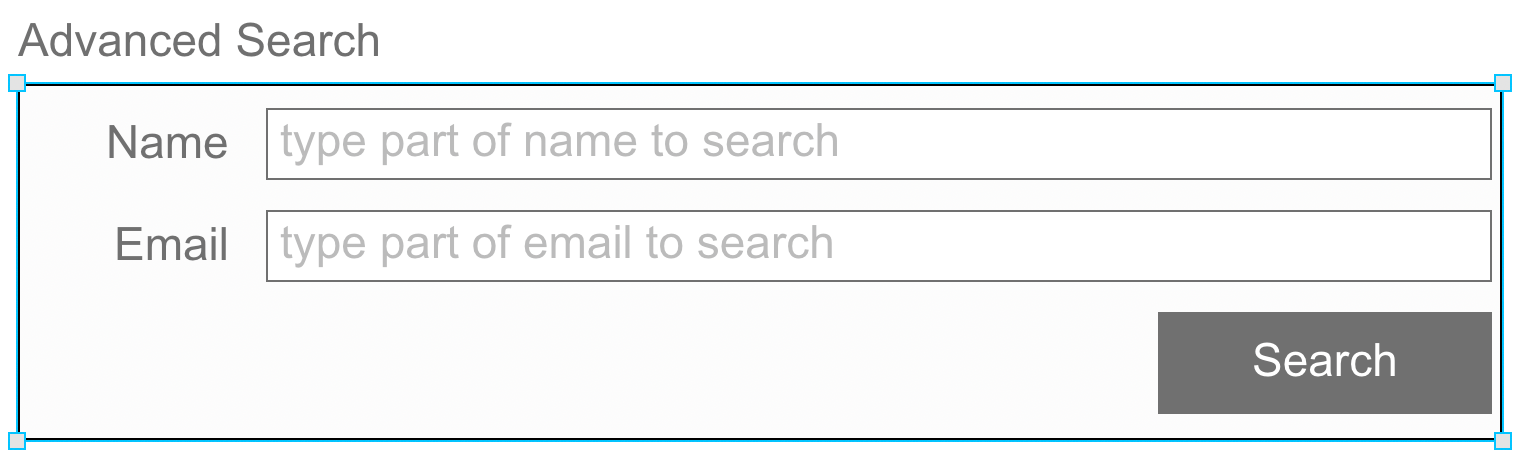
Like a layout or form, query elements are containers for other elements. Using the no-code interface, the developer can use the elements contained in the query element to configure a query to a table.
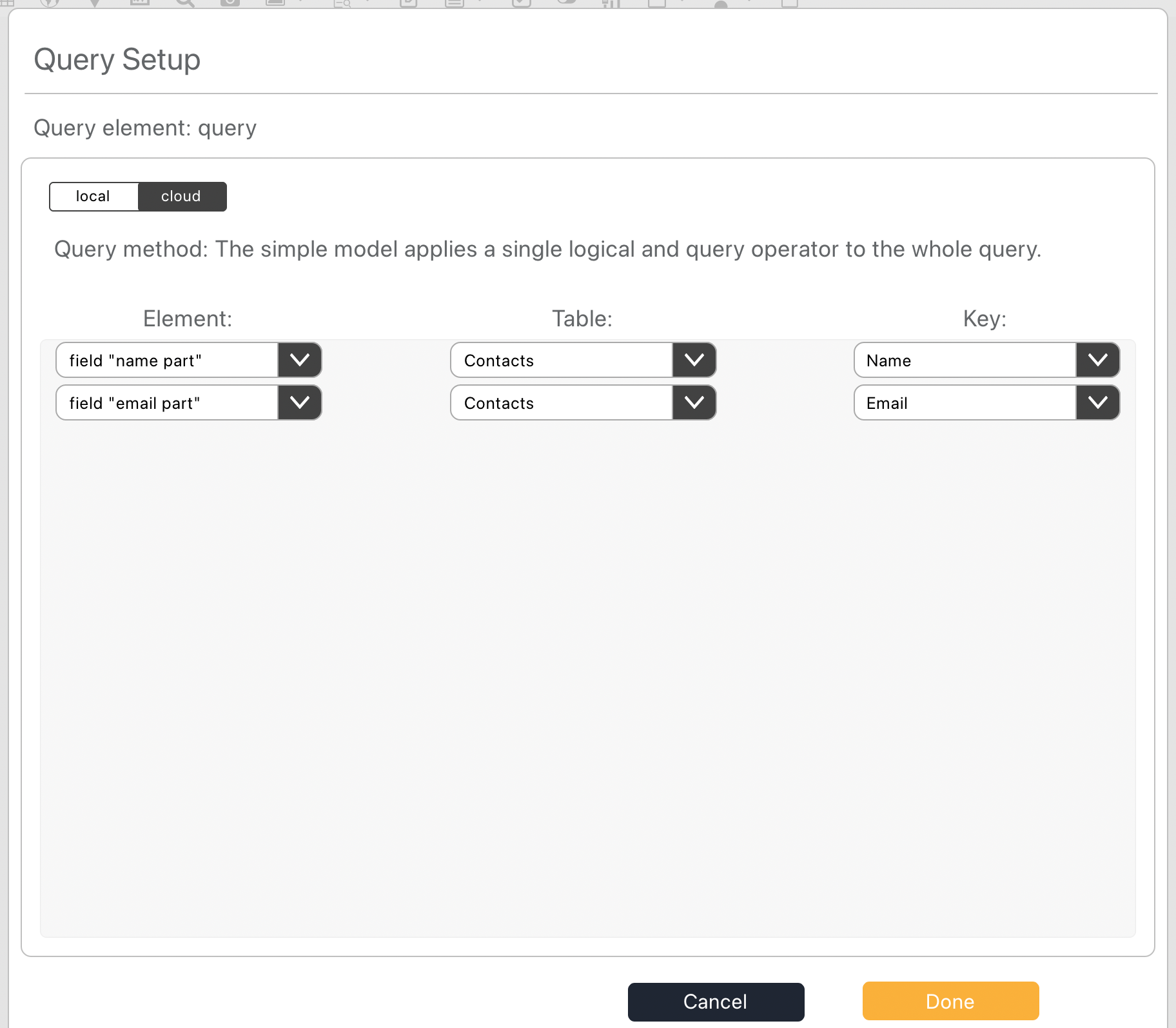
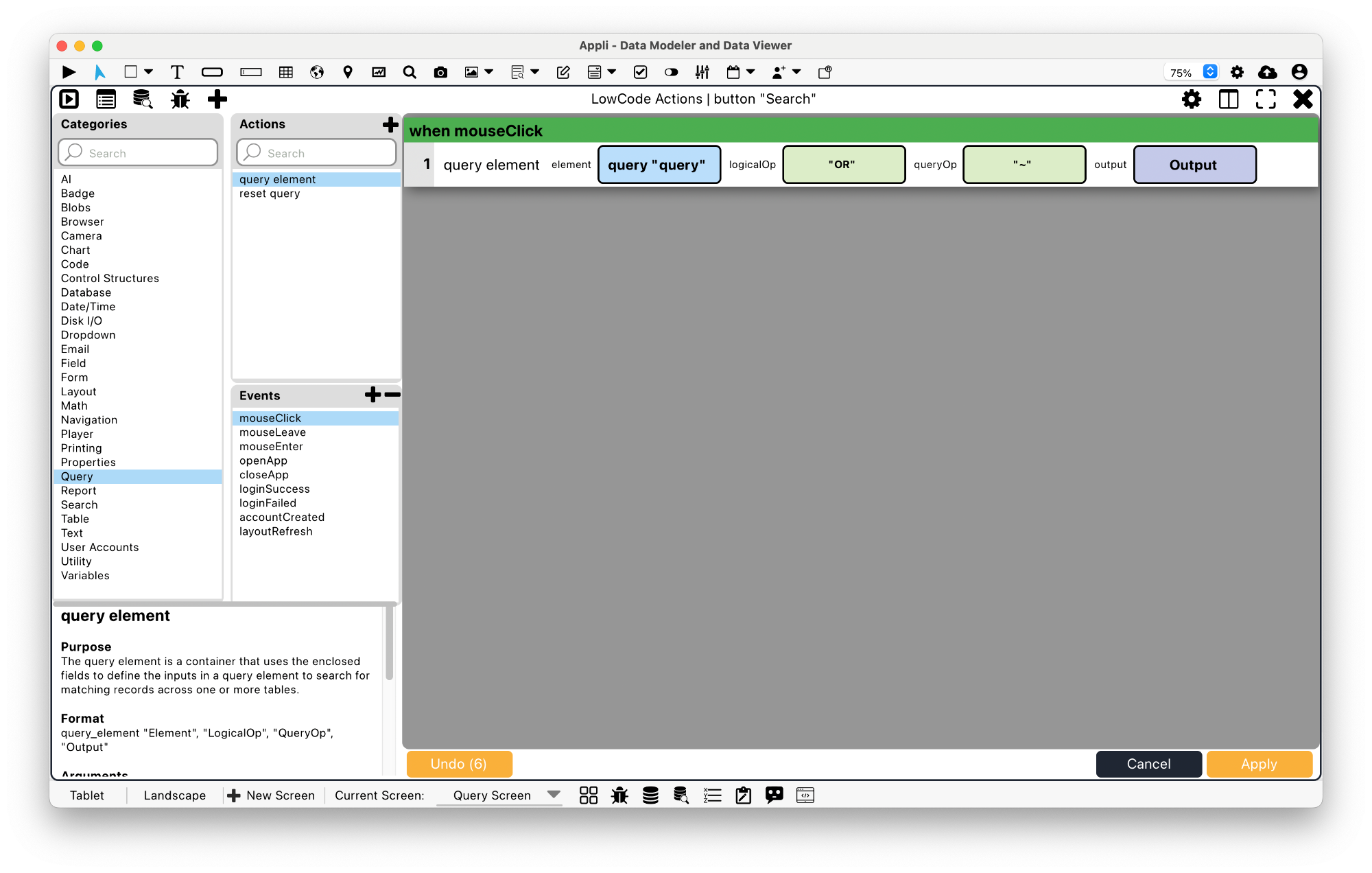
Use the actions in the query category after configuring the query element using no code to perform searches on a table.
Properties
Size Section
This section is used to configure the query size and position.
| Property | Description |
|---|---|
| width | The value in pixels representing the distance between the left side of the element and its right side. |
| left | The value in pixels representing how distant element is from the left side of the window. |
| height | The value in pixels representing the distance between the bottom side of the element and its top side. |
| top | The value in pixels representing how far the element is from the top of the window. |
| lockAspectRatio | Locks the aspect ratio of the element. |
Appearance Section
This section is used to configure how the query looks.
| Property | Description |
|---|---|
| blendLevel | How transparent the element is. |
| opaque | if the element is opaque or if it’s background is transparent. |
| backgroundColor | The color used for the element’s background. |
| showBorder | Turns the visibility of the element’s borders on or off. |
| lineSize | the size of a line in pixels. |
| borderColor | the color used for the border of the element. |
| showScrollbar | If the scrollbar should be visible or not. |
Element Section
This section is contains properties that are specific to elements of type query.
| Property | Description |
|---|---|
| name | The name of the element. Displayed in the project browser. |
Geometry Section
Use the properties in this section to configure the responsive design behaviors for the element.
| Property | Description |
|---|---|
| responsive | sets if the element size should be responsive. |
| responsiveX | how the element resizes responding to screen changes in the X axis. |
| responsiveY | how the element resizes responding to screen changes in the Y axis. |
| lockResponsiveAspectRatio | Locks the aspect ratio of the element. |
| allowUnderNotch | Stretch to fill notch |
This chapter was last updated on Fri 8 May 2026 15:20:15 BST